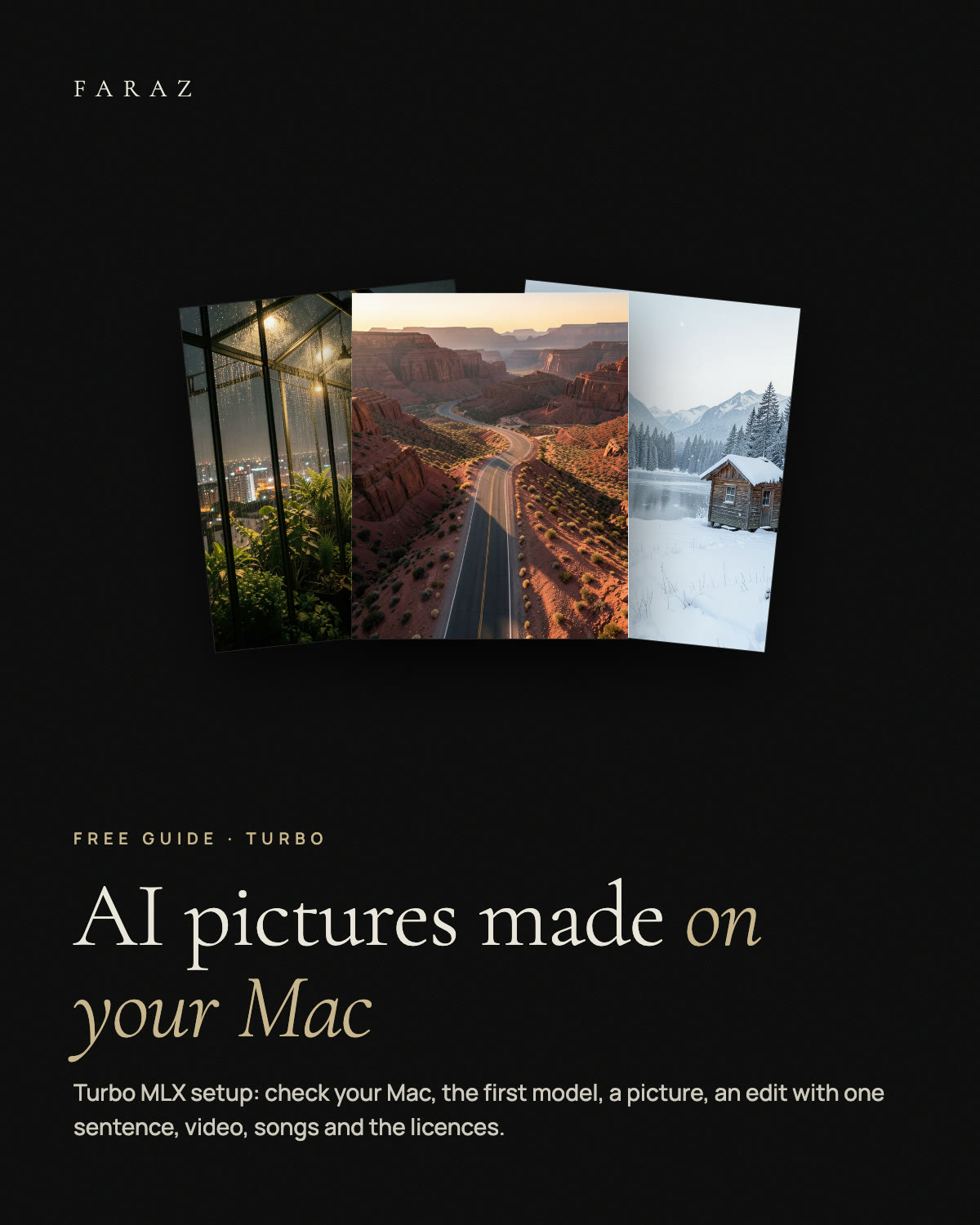
 Free download
AI Pictures Made on Your Mac
A free setup guide for Turbo MLX, the open-source Mac app by Stefano Rinaldo that makes images, edits, short videos with sound and songs on Apple Silicon, without cloud or credits: check your Mac, install, the right first model for your memory, your first picture, editing with one sentence, video, songs and upscaling, model licences before you sell, and the honest catches. Plus prompt blocks to start from.
What is inside
- Check your Mac Chip, memory and disk, and what each memory size can run.
- First model Which model to start with on 16 GB and on 24 GB or more.
- Edit with a sentence Drop a picture, say what changes, the rest stays.
- Video, songs, upscaling Clips with sound, first and last frame, songs, 2–4x upscaling.
- PROMPTS.md Prompt blocks for pictures, edits, video and music.
- Honest catches 16 GB minimum, big downloads, licences differ per model.
A Mac with Apple Silicon (M1 or later), macOS 15 or later, at least 16 GB of memory (video wants 32 GB) and 5 to 38 GB of free disk space per model. The guide is in English.