 Free download
Text Behind You: Captions Behind Your Head, Made on Your Mac
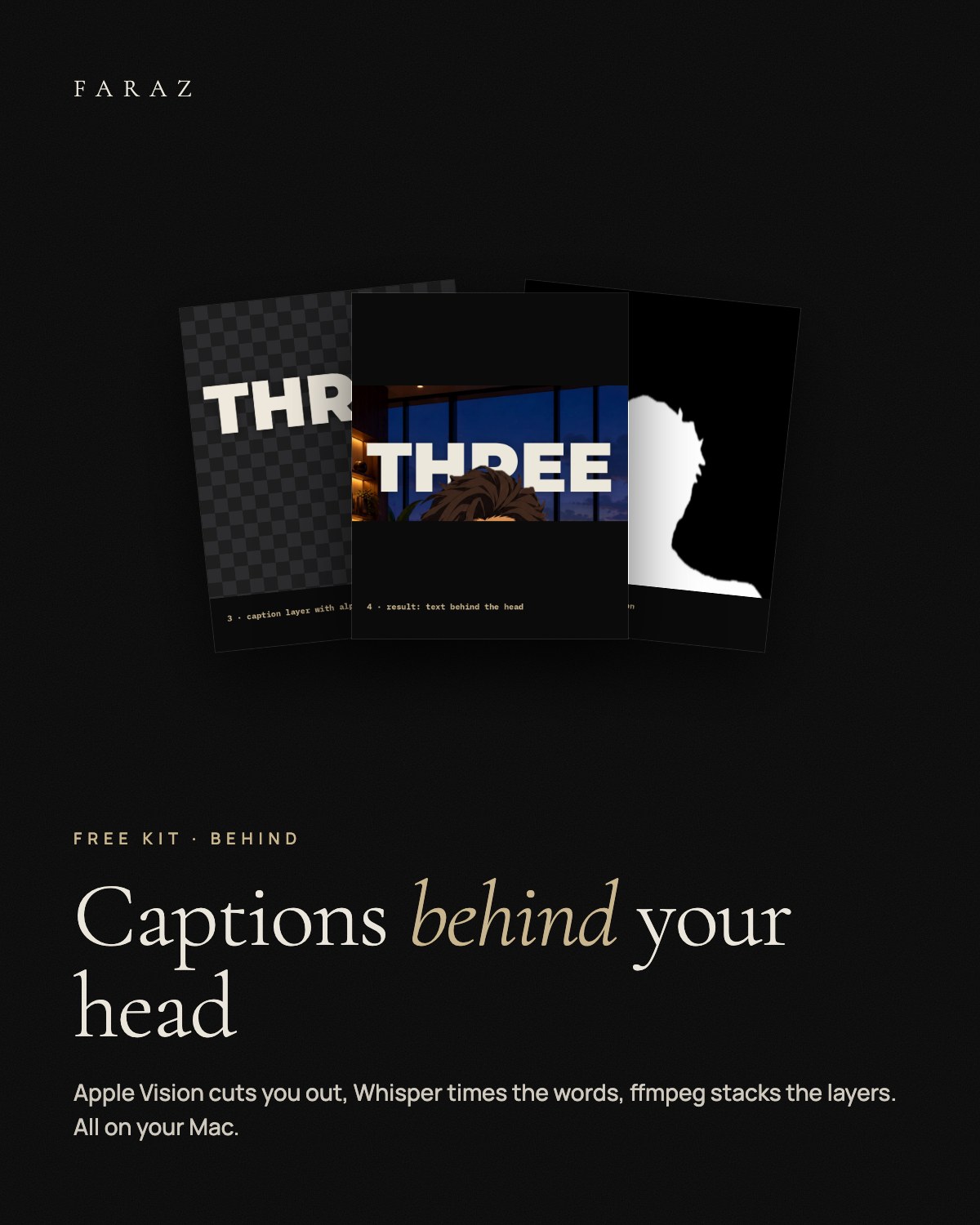
A free kit for the caption look where big words sit behind the speaker's head. A small pipeline for your Mac: Apple's Vision framework cuts you out frame by frame, Whisper times every word on your own computer, and one ffmpeg command stacks video, captions and you on top. With the scripts, a guide for every step, a Claude Code prompt that sets it up with you, and a before and after demo. Nothing is uploaded. Idea via @viashaan.
What is inside
- tb-mask A small Swift tool: one cut-out mask per frame with Apple Vision. Person mode for real people, subject mode for avatars, pets and objects.
- transcribe.py Word timings with faster-whisper on your Mac, in English, German and other languages, or straight from your own SRT file.
- captions.py The caption layer with transparency, placed at the top of your head. Font, size, colour, words per caption and overlap are options.
- compose.sh One ffmpeg command: your video, the captions, and you on top again, with clean mask edges. The sound stays as it is.
- run.sh All four steps in one command. Fix a word in words.json and run it again: only the captions are redone.
- Claude Code prompt Checks your Mac, asks before installing anything, runs the pipeline with you and shows a still to check.
A Mac with macOS 12 or newer (macOS 14+ for drawn characters), the Xcode Command Line Tools, ffmpeg and Python 3.9+. The first run downloads the Whisper model once (about 0.5 GB). Basic Terminal use, or Claude Code. No account. The guide is in English.