 Free download
One Desk For All Your Devices
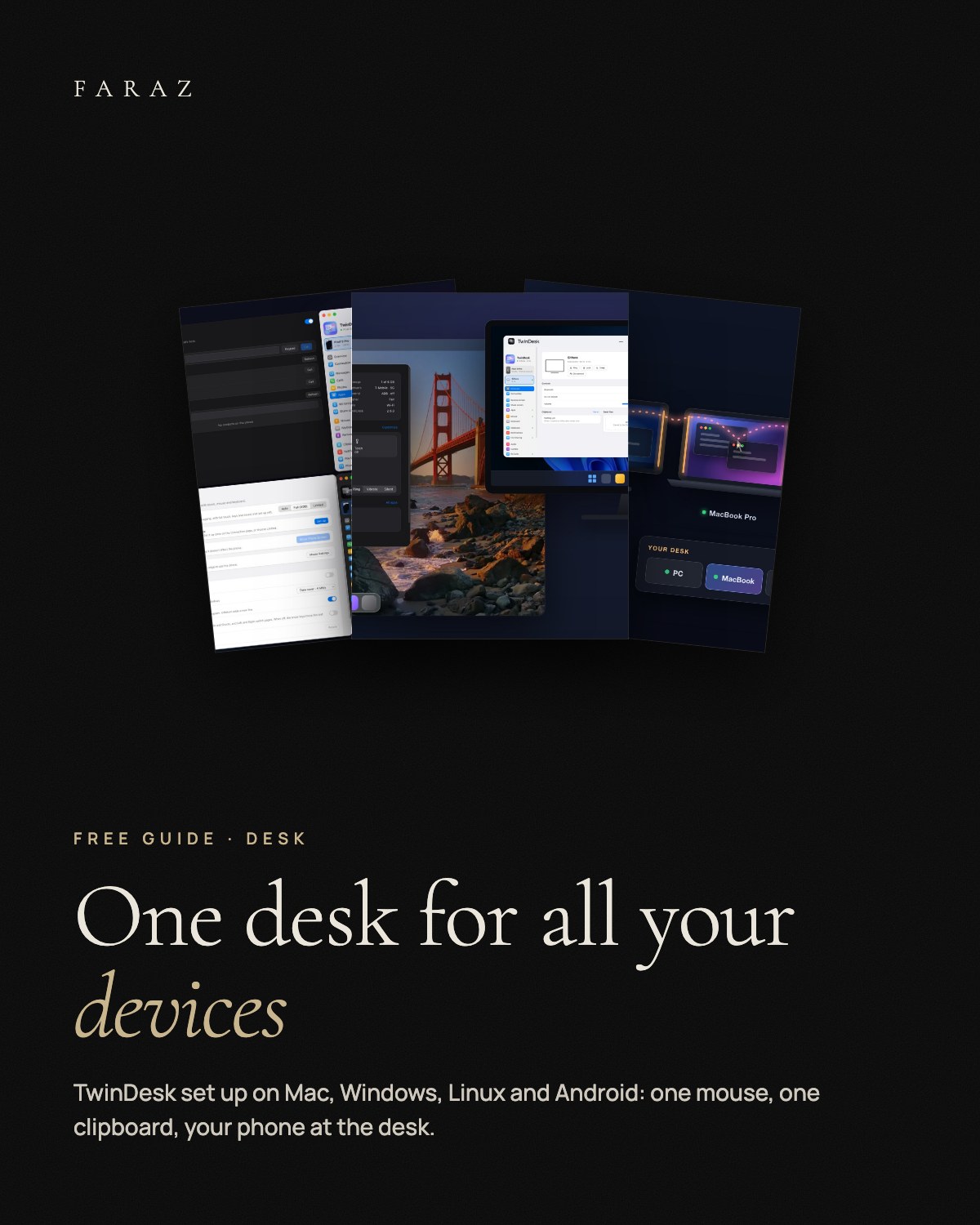
A free setup guide to TwinDesk by Inuka Asith, the open-source app that gives your Mac, PC, Linux laptop and Android phone one mouse, one keyboard and one clipboard, without an account or a cloud. Install on every device, pairing and the desk map, ten features worth setting up, privacy and permissions, and fixes for the usual problems.
What is inside
- Install Mac (Homebrew or .dmg), Windows, Linux and Android, including the one-time "Open Anyway" for unsigned apps.
- Pair + desk map Pair once, line the devices up, push the mouse across.
- 10 features Cursor lock, clipboard pictures, shared folder, moving windows, apps in windows, second screen, calls, phone webcam, ReZume.
- Privacy What stays local, which permissions you grant and why.
- Troubleshooting Devices not found, wrong direction, "damaged" on macOS, Android restricted settings.
- CHECKLIST.md The whole setup as a checklist.
Two or more of: Mac (macOS 13+), Windows 10/11, Linux (X11 or Wayland), Android 10+. TwinDesk is free and open source (GPL-3.0). The guide is in English.