Free
Liquid Glass on Your Website: the Full Tutorial
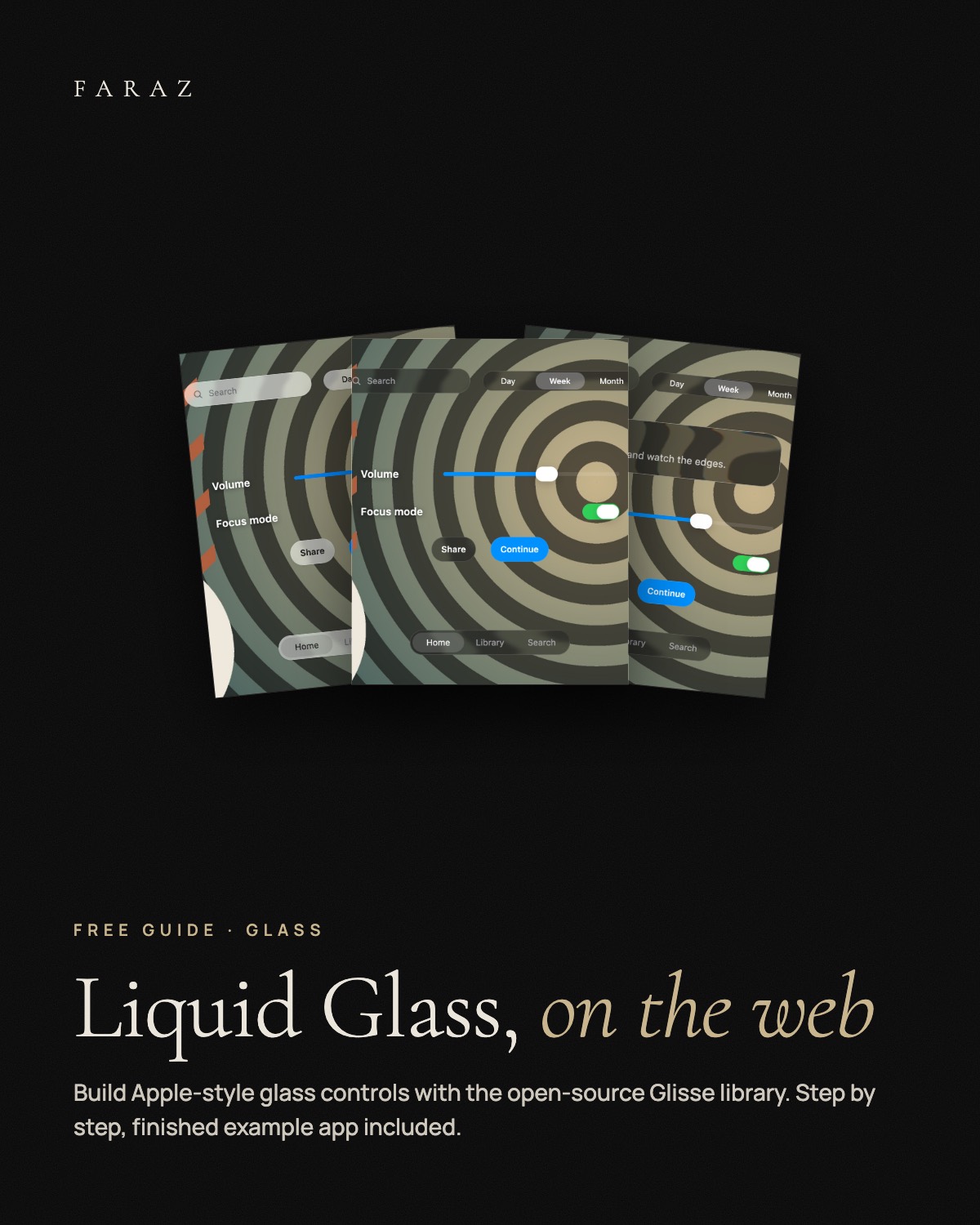
A step-by-step tutorial for Apple-style Liquid Glass controls on the web with Glisse, an open-source React library, with the finished example app to run yourself.
0 €
Node.js 20+ and npm, a React app (the guide uses Vite). No account, no API key. The full bend effect shows in Chromium browsers; Safari and Firefox show frosted glass with a rim.
What you get
- Setup Create a Vite + React app and install Glisse with one command.
- Backdrop The one attribute that makes the glass bend your background in every browser.
- Components Search field, segmented control, slider, switch, buttons, tab bar, own glass cards.
- Tuning Four CSS variables for bend, colour fringing, frost and rim.
- Example app The finished code from the guide, tested with npm run build.
In three steps
- Unzip and open the guide PDF. Or start the example right away: npm install and npm run dev in example-app.
- Follow the seven steps to build it into your own React app.
- Or paste INSTALL-WITH-CLAUDE.md into Claude Code and build it together step by step.
Fabian Faraz Farid · All links