 Free download
Let Your Agent Use Your iPhone
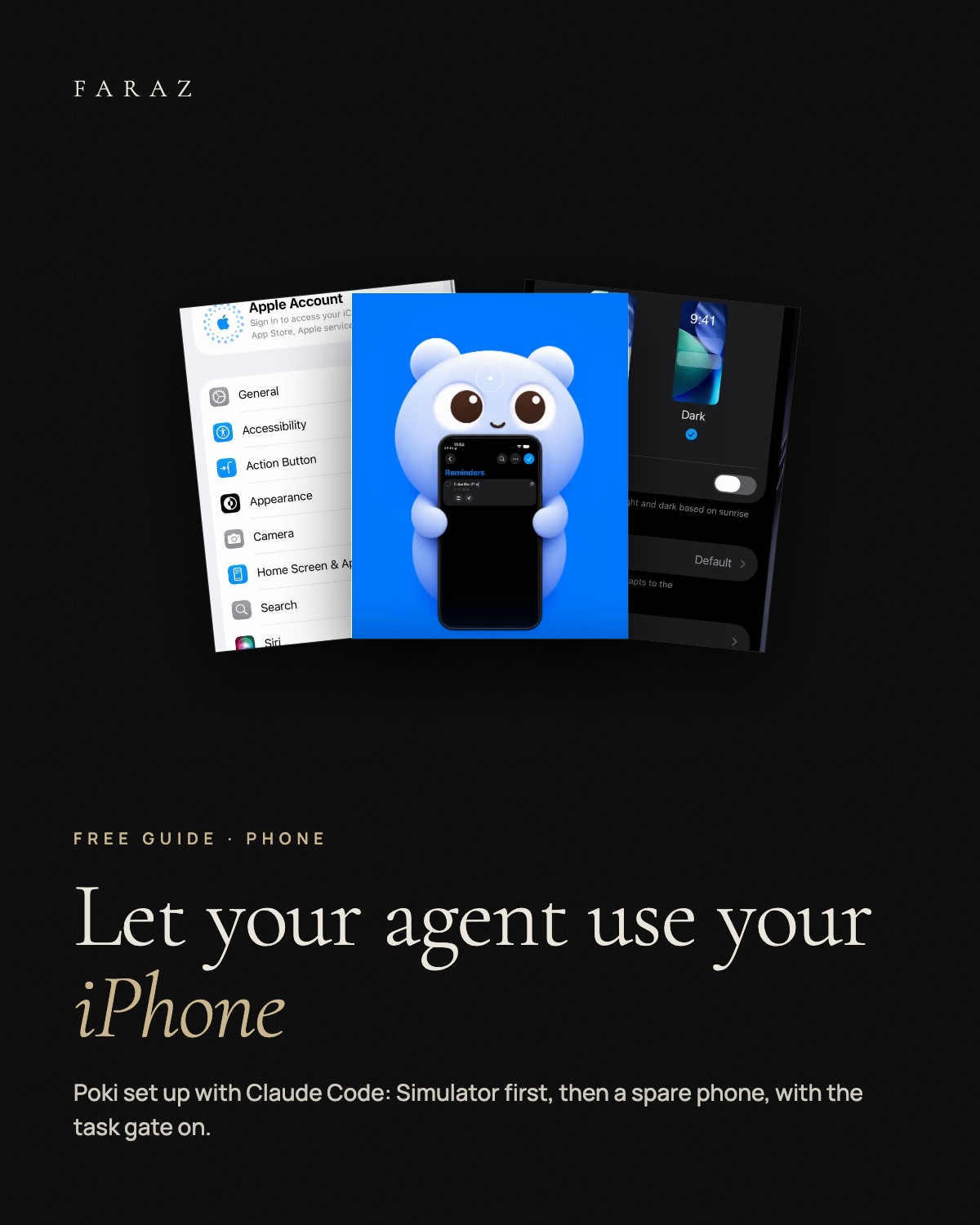
A free setup guide to Poki by Joseph Zhou, the open-source tool that lets Claude Code read the screen, tap, type and open apps on an iPhone, without a jailbreak. Install it on your Mac, connect Claude Code with the per-task approval gate on, practise on the iOS Simulator with six prompts, then move to a spare iPhone. With safety rules, honest limits and fixes for the usual problems.
What is inside
- Which path Poki MCP for Claude Code, the Poki Setup app, or the Linux port: what each needs.
- Install + connect Build it on the Mac, register it in Claude Code, turn on the per-task approval gate.
- Simulator practice Six first tasks on the iOS Simulator, from a screenshot to a batch of steps.
- A real iPhone USB pairing, Developer Mode, UI Automation and the settings for a test session.
- Safety rules Spare phone, stop rules in every prompt, no customer data, what AGPL-3.0 means.
- PROMPTS.md + CHECKLIST.md Our own prompts for practice and app testing, and the setup as a checklist.
A Mac with macOS 15+, Xcode, Node.js 24+, Rust and Python 3 (for Poki MCP), and Claude Code or another MCP client. Optional: a spare iPhone and a USB data cable. Poki is free and open source (AGPL-3.0) and still alpha. The guide is in English.