Free
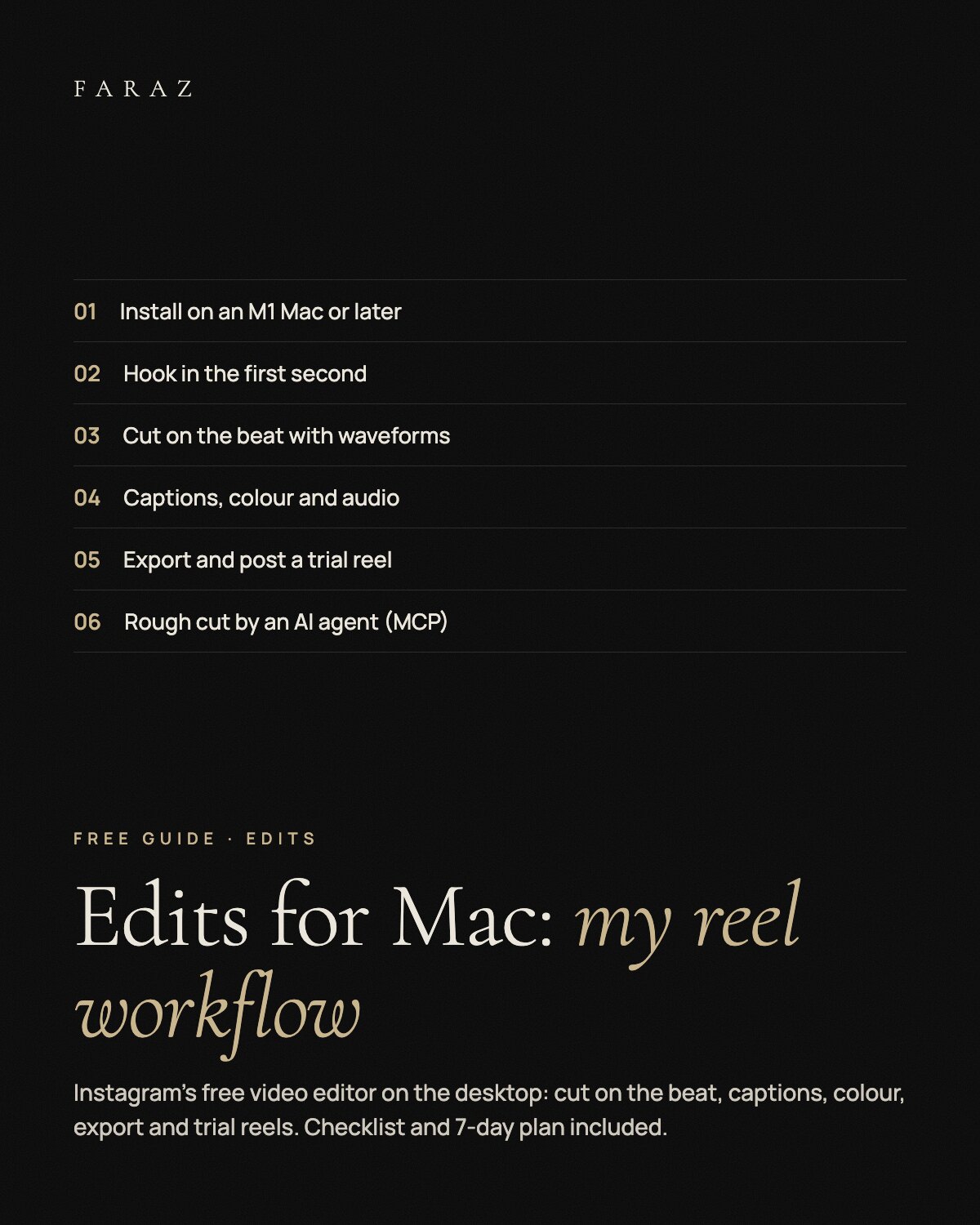
Edits for Mac: My Reel Workflow
A free guide to cutting reels in Edits, Instagram's video editor, now on the Mac: hook, cutting on the beat, captions, colour, audio, export and trial reels, plus a one-page checklist and a 7-day practice plan.
0 €
A Mac with Apple silicon (M1 or later) and an Instagram account to sign in. The app is free; there is no Windows version.
What you get
- Setup Install from the official page, sign in and set up your first reel project.
- Cut Hook in the first second, cuts on the beat with waveforms, keyframe zooms used sparingly.
- Finish Auto captions checked word by word, colour with a LUT or curves, licensed audio or your own.
- Post Export in 9:16, post directly with tags and location, test hooks with trial reels.
- AI agent New: a rough cut by an AI agent through MCP, the final cut by you.
In three steps
- Unzip and open the guide PDF.
- Follow the eight steps with footage you already have.
- Print checklist.pdf and work through the 7-day practice plan.
Fabian Faraz Farid · All links