Free
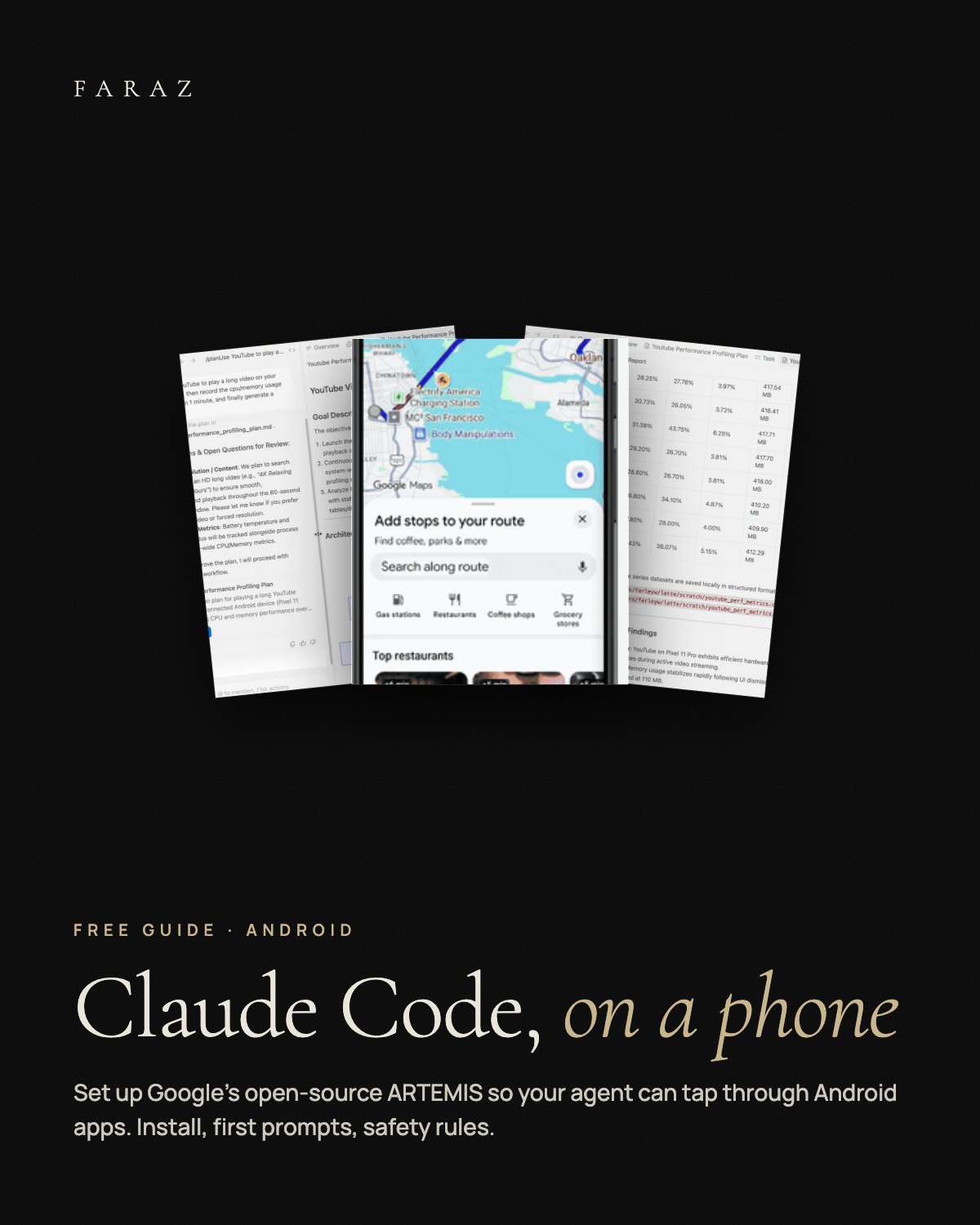
Let Claude Code Use an Android Phone
A setup guide for ARTEMIS, Google's open-source tool that lets coding agents tap, type and swipe through Android apps, with first prompts and safety rules for real devices.
0 €
Claude Code (or another MCP client), Python 3.12+ with uv, an Android emulator or an Android phone with USB debugging, and your own model API key (billed per use). Android only; no iPhone support yet.
What you get
- Install Clone, one model key in .env, start script, local web console.
- Claude Code Connect the MCP server and its testing rules with one command.
- Flash vs Pro Fast loop for short tasks, planned runs with checks for long tests.
- 3 prompts Look around, test your own app, reproduce a bug.
- Safety Emulator first, settings for personal phones, nothing irreversible without your yes.
In three steps
- Unzip and open the guide PDF. Create an Android emulator first.
- Install ARTEMIS with the commands from the guide and connect it to Claude Code.
- Or paste INSTALL-WITH-CLAUDE.md into Claude Code and let it set things up step by step.
Fabian Faraz Farid · All links