Free
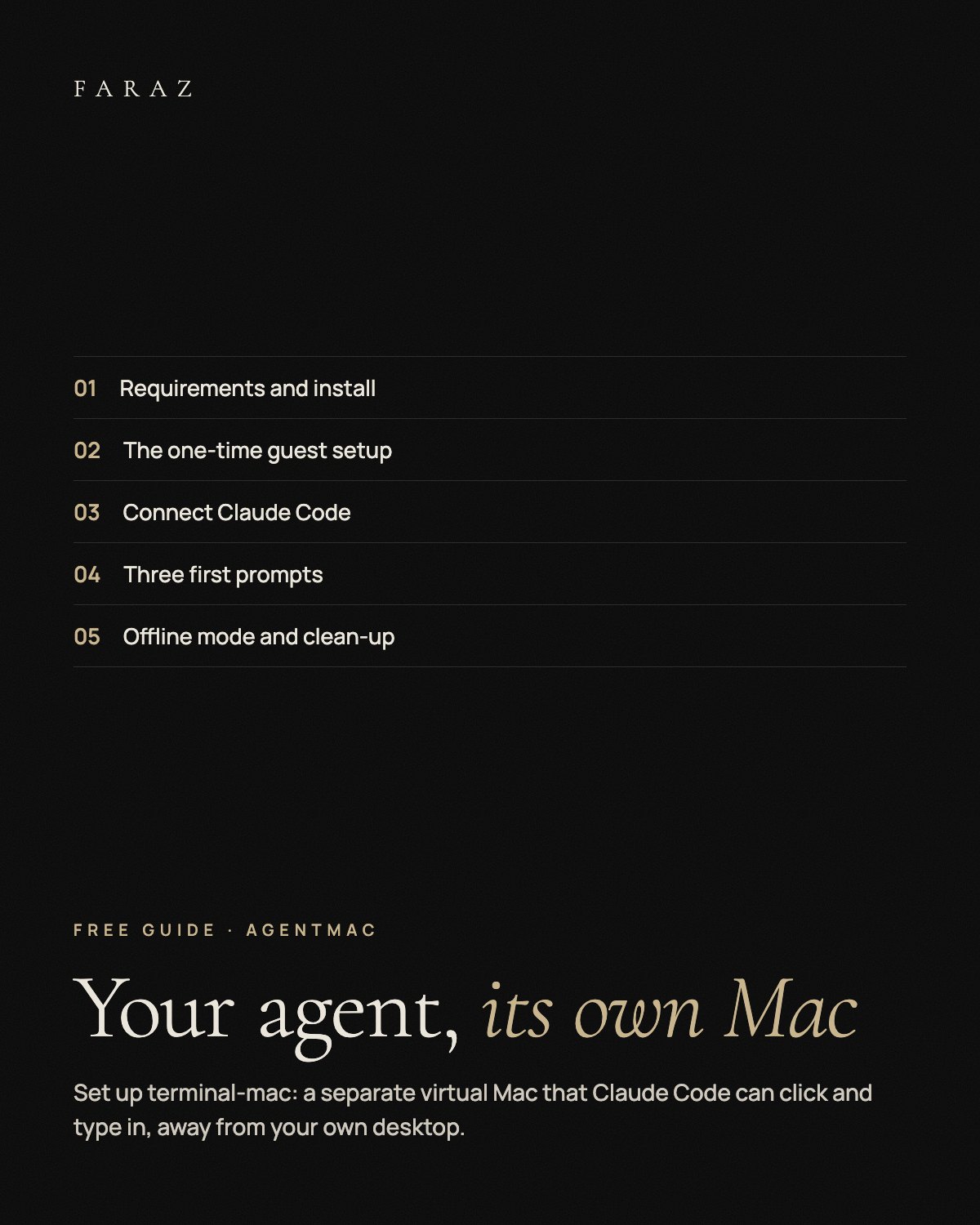
Give Your Agent Its Own Mac
A setup guide for terminal-mac, an open-source tool that runs a separate virtual Mac so Claude Code can click and type there instead of on your own desktop, with safety settings and the caveats of an early release.
0 €
An Apple silicon Mac with macOS 14 or later, several GB of free disk space for the macOS image and a growing virtual disk, and Claude Code (or another MCP client). terminal-mac is an early release candidate; it is not included.
What you get
- Install One installer, then one command that downloads macOS from Apple and boots the guest.
- Guest setup The manual steps: Setup Assistant, helper app, two permissions.
- Claude Code Connect the MCP server and skill with one plugin command.
- 3 prompts Look around, a small task, test your own web app.
- Safety No personal accounts, offline mode, and how to clean up without a delete command.
In three steps
- Unzip and open the guide PDF. Check the requirements and the early-release caveats.
- Install terminal-mac, do the one-time guest setup and connect it to Claude Code.
- Or paste INSTALL-WITH-CLAUDE.md into Claude Code and let it set things up step by step.
Fabian Faraz Farid · All links